
Smart Locks 2026: Are They Really More Secure Than Traditional Deadbolts?
Smart locks are no longer just a tech upgrade for modern homes. In 2026, many homeowners are comparing Smart Locks with traditional deadbolts because they want better convenience, stronger access control, and a safer front door. But the real question is simple: are smart locks actually more secure than a traditional deadbolt?
The honest answer is: a high-quality smart lock can be very secure, but it is not automatically safer than a well-installed deadbolt. The strongest setup depends on the lock grade, door condition, strike plate, installation quality, Wi-Fi security, app settings, and how carefully access codes are managed.
A cheap smart lock on a weak door is not better than a strong ANSI Grade 1 deadbolt. But a trusted smart deadbolt with encrypted access, auto-lock, tamper alerts, strong hardware, and professional installation can give many homes better day-to-day security than an old key lock.
For homeowners comparing smart locks vs. deadbolts for home security, this guide explains what matters before you buy, install, or replace your front door lock.
Are Smart Locks Safe in 2026?
Yes, smart locks are safe when they are high-quality, properly installed, updated, and protected with strong app and Wi-Fi security. The safest smart locks combine strong physical hardware with secure digital access control.
At South Shore Locksmiths, we usually recommend choosing a smart lock based on both the lock’s technology and the strength of the door hardware.
A smart lock is usually a good choice if you want:
- Keyless entry
- Auto-locking
- Temporary guest codes
- Remote lock control
- Lock activity history
- Smart home integration
- Fewer lost-key problems
A traditional deadbolt may still be a good choice if you want a simple lock with no batteries, no app, and no internet connection.
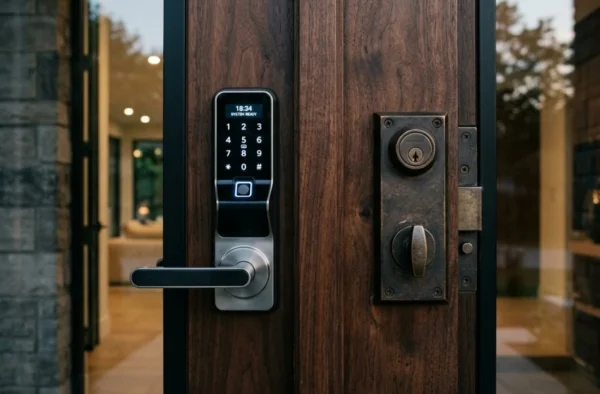
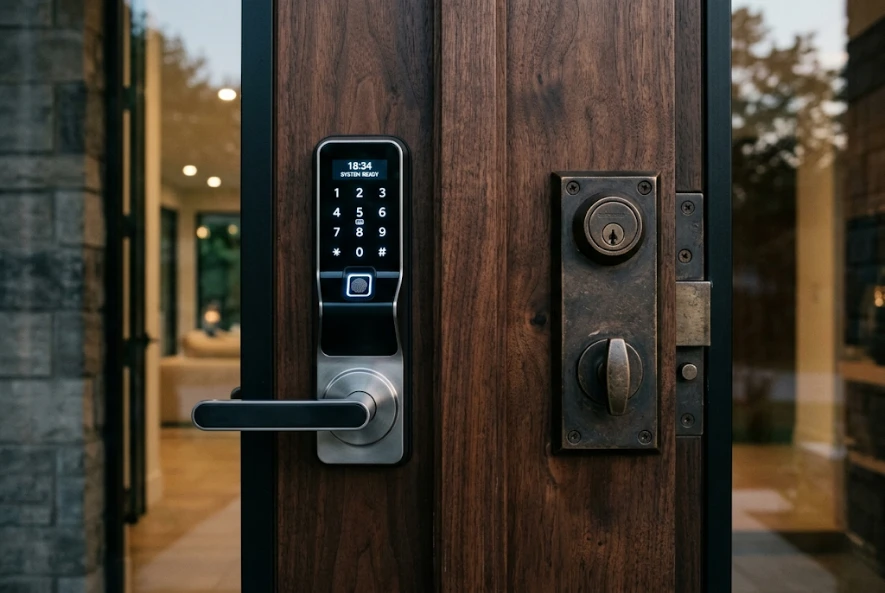
The best home security choice in 2026 is often not “smart lock or deadbolt.” It is a smart deadbolt lock installed on a strong door with a reinforced strike plate.
What Are Smart Locks?
Smart locks are electronic door locks that let you lock and unlock a door without using only a physical key. Depending on the model, a smart lock may use a keypad, smartphone app, Bluetooth, Wi-Fi, fingerprint scanner, key fob, Apple Home Key, voice assistant, or smart home system.
Common types include:
- Bluetooth smart lock
- Wi-Fi smart lock
- Keypad door lock
- Digital keypad door lock
- Electronic deadbolt
- Smart deadbolt
- Biometric security door lock
- Keyless door lock
- Matter compatible smart lock
- Auto lock keypad deadbolt
Some smart locks replace the entire deadbolt. Others fit over the inside part of your existing lock, allowing you to keep your current key. The best option depends on your door, security needs, budget, and whether you want a DIY smart lock or a professional smart lock installation.
Smart Lock vs Traditional Deadbolt: Which Is More Secure?
A traditional deadbolt is strong because it is simple. There is no battery, no app, no wireless signal, and no digital account to manage. A smart lock adds convenience and access control, but it also adds new responsibilities.
The most secure lock is the one that is:
- Built with strong hardware
- Properly aligned with the door frame
- Installed with long strike plate screws
- Protected against forced entry
- Managed with safe access habits
- Repaired quickly when it becomes loose or unreliable
Smart Locks vs Traditional Deadbolts Comparison
| Feature | Smart Lock | Traditional Deadbolt | Security Takeaway |
| Entry method | App, keypad, fingerprint, key fob, key, Bluetooth, Wi-Fi | Physical key only | Smart locks offer more access options |
| Lost key risk | Lower if using codes or app access | Higher if keys are lost or copied | Smart locks reduce rekeying needs in some cases |
| Forced-entry resistance | Depends on lock grade and installation | Depends on lock grade and installation | Hardware strength matters most |
| Remote access | Available on Wi-Fi or hub-based models | Not available | Helpful for guests, rentals, and emergencies |
| Auto-lock | Common on many models | Not standard | Reduces unlocked-door mistakes |
| Battery required | Yes | No | Battery maintenance is required |
| Cybersecurity risk | Possible if account, app, or network is weak | None | Smart locks need digital security habits |
| Access control | Temporary codes and history logs | Key control only | Smart locks are better for code management |
| Best for | Busy homes, rentals, caregivers, smart homes | Simple security, low maintenance | Choose based on lifestyle and risk |
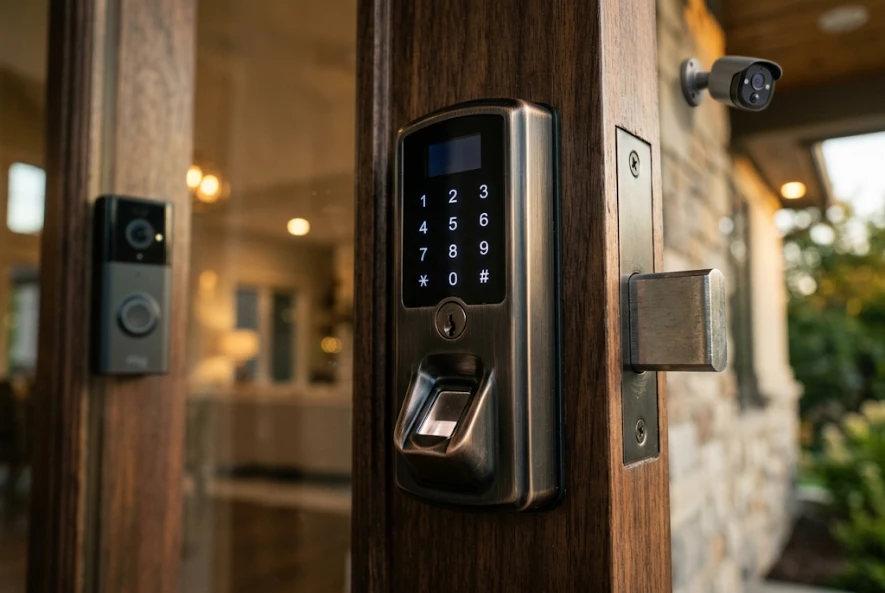
Are Smart Locks Safer Than Key Locks?
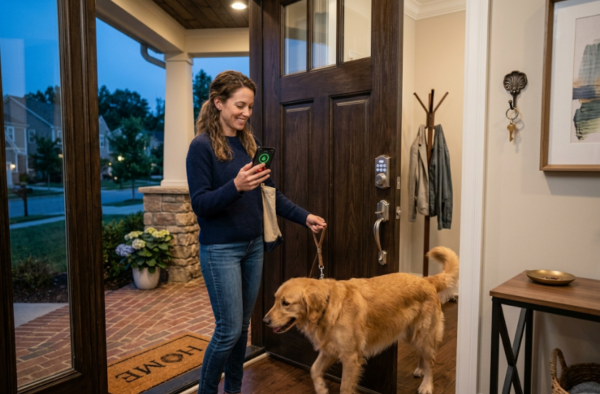
Smart locks can be safer than key locks in everyday use because they reduce common problems like lost keys, copied keys, hidden spare keys, and unlocked doors. For example, a front door keypad entry system can allow a homeowner to give a temporary code to a cleaner, dog walker, contractor, or family member instead of handing out physical keys.
However, smart locks are not safer in every situation. If a smart lock has weak hardware, poor installation, old firmware, a weak password, or shared codes that are never deleted, it can become less secure than a quality deadbolt.
For best results, choose a smart deadbolt with strong lock grading, secure encryption, app-based access control, and a physical backup option.
What Makes a Smart Lock Secure?
A secure smart lock should protect against both physical attacks and digital misuse. Before buying the best smart door lock 2026 for your home, look beyond the design and app features.
1. ANSI/BHMA Lock Grade
Look for an ANSI/BHMA Grade 1 or Grade 2 deadbolt when possible. An ANSI Grade 1 deadbolt is the highest common lock grade and is often preferred for stronger residential security. Many homeowners searching for an ANSI Grade 1 keyless deadbolt, ANSI Grade 1 electronic deadbolt, or ANSI/BHMA Grade 1 security deadbolt are looking for stronger durability and forced-entry resistance.
A smart lock with weak hardware is not a strong security upgrade, even if the app looks advanced.
2. Strong Deadbolt Design
A smart lock should have a solid bolt, durable exterior housing, reliable motor, and good resistance against tampering. A smart deadbolt lock is usually better for a main entry door than a light-duty latch-style smart lock.
3. Auto-Lock Feature
Auto-lock helps prevent one of the most common home security mistakes: forgetting to lock the door. A deadbolt auto lock can relock after a set time, depending on the model. This is useful for families, rental properties, and busy homeowners.
4. Secure App and Account Settings
A smart lock is only as secure as the account controlling it. Use a strong password, enable multi-factor authentication if available, and avoid sharing your main account login.
5. Access Code Control
Temporary access codes are one of the biggest security advantages of smart locks for home security. Instead of giving someone a key, you can create a code, schedule it, and delete it later.
6. Smart Home Integration
Smart home integration can improve convenience, but it should be set up carefully. A fully integrated smart home may connect locks, cameras, lighting, alarms, and voice assistants. The goal is not just convenience; it is controlled, secure access.
For example, Matter compatible smart locks are becoming more popular because Matter helps different smart home platforms work together. Homeowners comparing Matter compatible smart locks 2026 should still check each lock’s supported features, app requirements, and installation needs.
Pros and Cons of Smart Door Locks
Before choosing the best smart locks for home security 2026, it helps to understand the tradeoffs.
| Smart Lock Pros | Smart Lock Cons |
| Keyless entry system reduces lost-key problems | Batteries must be replaced |
| Temporary codes are easy to manage | Poor Wi-Fi security can create risk |
| Auto-lock helps prevent unlocked doors | Some models require a hub or bridge |
| Remote access is useful for guests and family | Installation must be aligned correctly |
| Lock history shows entry activity | Cheap models may have weak hardware |
| Works with smart home integration systems | App accounts must be protected |
| Great for rentals, caregivers, and busy homes | Not every lock fits every door |
A smart door lock is a strong upgrade when it fits your lifestyle and is installed correctly. It is a poor upgrade when the door frame is damaged, the deadbolt does not align, or the user never updates the app or manages access codes.
Best Smart Locks 2026: What Should Homeowners Look For?
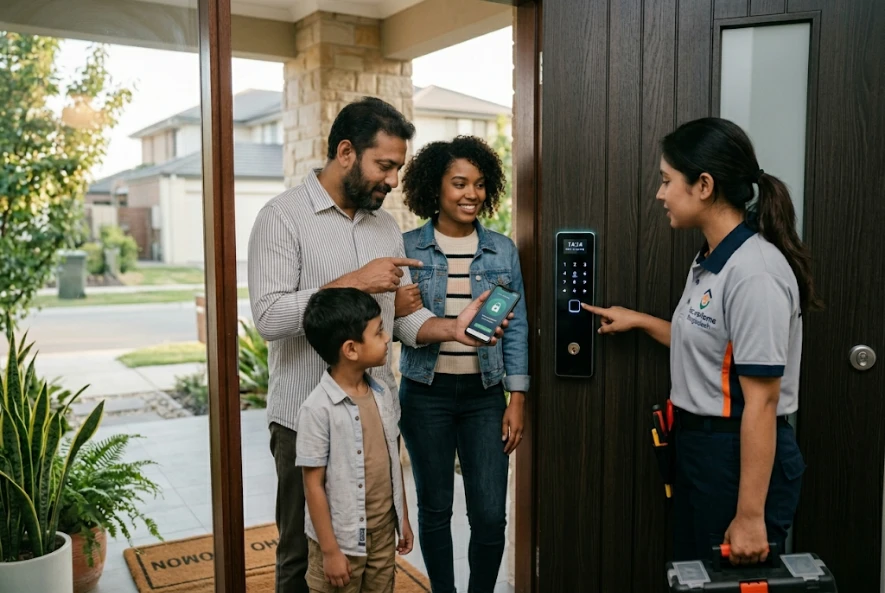
The best smart locks 2026 are not always the most expensive ones. The right lock depends on your door, phone preferences, smart home system, and security goals.
Best Smart Lock Features to Prioritize
When comparing the best smart front door locks 2026, look for:
- ANSI/BHMA Grade 1 or Grade 2 rating
- Strong smart deadbolt design
- Keypad entry door lock option
- App-based lock control
- Auto-lock feature
- Temporary access codes
- Tamper alerts
- Low-battery warning
- Physical key backup or emergency power option
- Matter, Wi-Fi, Bluetooth, or smart home compatibility
- Good warranty and brand support
Trusted brands often searched by homeowners include Schlage, Yale, Kwikset, Eufy, August, and Lockly. For example, homeowners may compare a Schlage keypad lock, Yale keypad lock, Kwikset keypad lock, Schlage digital door lock, Yale digital door lock, or Kwikset digital door lock based on price, features, installation, and security grade.
You can review official product information from brands such as Schlage, Yale Home, and Kwikset before choosing a lock.
Smart Lock Buying Guide 2026
Choosing a smart lock should start with your door, not the app.
Step 1: Check Your Existing Door and Deadbolt
If your door is warped, loose, misaligned, or hard to close, fix that first. Smart locks need smooth deadbolt movement. If the bolt rubs against the strike plate, the motor may fail, drain batteries, or stop locking correctly.
A professional can inspect the door and recommend door lock repair, lock repair, or deadbolt lock installation before installing the smart lock.
Step 2: Choose the Right Connectivity
- Bluetooth smart lock: Good for local access and battery life.
- Wi-Fi smart lock: Best for remote access without always needing a hub.
- Matter compatible smart lock: Good for smart home integration across supported platforms.
- Keypad door lock: Best for simple keyless entry.
- Biometric fingerprint scanner: Convenient when you want fast access without a phone or code.
If you want the best WiFi smart lock 2026, make sure your front door area has strong Wi-Fi signal. Weak Wi-Fi can cause delays, battery drain, and unreliable remote control.
Step 3: Decide Between DIY and Professional Installation
A DIY smart lock can work well when the door is standard, the existing deadbolt is aligned, and the homeowner is comfortable following instructions. Search terms like how to install smart lock, how to install Kwikset smart lock, install Yale smart lock, or Schlage smart lock installation are common because many locks are designed for screwdriver installation.
But professional installation is safer when:
- The door is old or misaligned
- The lock does not fit the existing bore hole
- The strike plate needs adjustment
- You are upgrading several locks
- You want the lock connected to smart home integration systems
- You need a secure front door setup after moving in
- You are installing a smart lock on a gate, sliding door, or commercial door
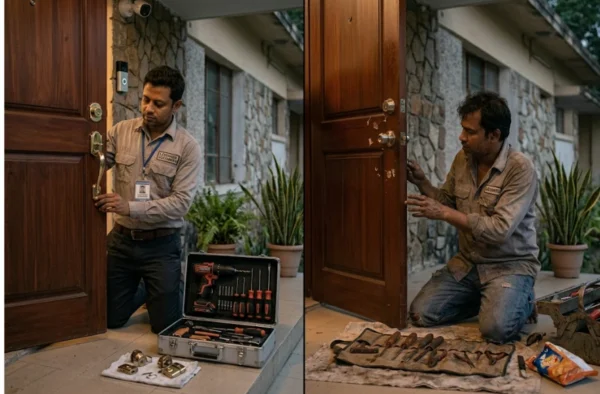
For reliable results, South Shore Locksmiths offers Residential Locksmith support for lock upgrades, rekeying, deadbolt installation, and smart door lock installation.
Smart Lock Installation Cost in 2026
Smart lock installation cost depends on the lock type, door condition, hardware changes, setup complexity, and whether extra work is needed.
Smart Lock Cost and Installation Planning Table
| Item | Typical Cost Factor | What Affects the Final Price |
| Basic keypad lock | Lower to mid-range | Brand, finish, keypad type, hardware grade |
| Wi-Fi smart lock | Mid-range to higher | Built-in Wi-Fi, app features, remote access |
| Biometric smart lock | Mid-range to premium | Fingerprint scanner quality and storage capacity |
| Matter compatible smart lock | Mid-range to premium | Platform support, Thread/Matter setup, hub needs |
| Smart lock key fob prices 2026 | Varies by brand and system | Number of fobs, programming needs, compatibility |
| Professional smart lock installation | Varies by door and lock | Door alignment, strike plate, drilling, setup |
| Deadbolt lock installation | Varies by hardware | New bore hole, reinforcement, lock grade |
| Emergency locksmith service | Varies by urgency | After-hours service, lockout, repair, replacement |
For accurate local numbers, check locksmith pricing information or request a quote based on your door, lock model, and installation needs.
Are Biometric Door Locks Secure?
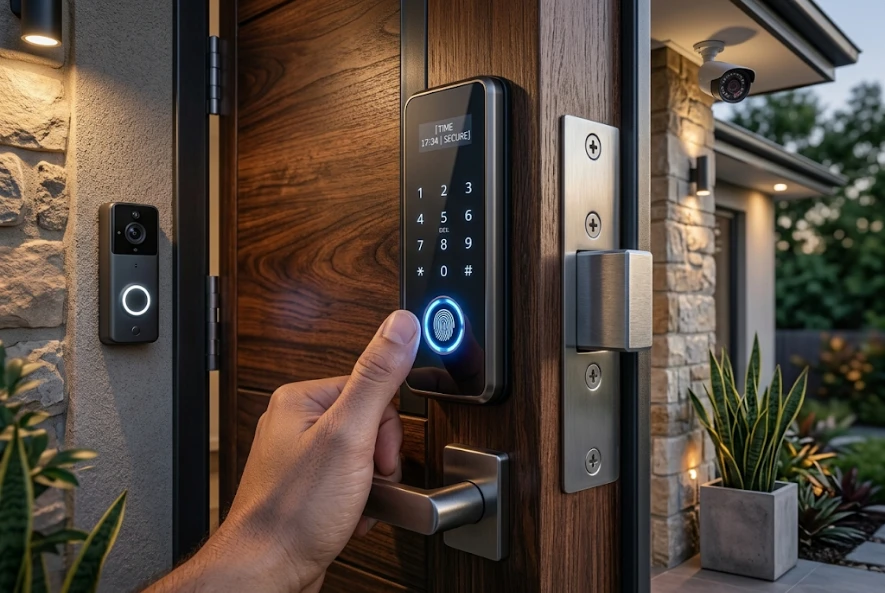
Biometric door locks can be secure when they come from a reputable brand and store fingerprint data safely. A biometric security door lock is convenient because you do not need to carry a key or remember a code. It can be useful for families, offices, and homeowners who want fast entry.
However, not all biometric locks are equal. A cheap fingerprint lock may have poor sensors, weak hardware, or unreliable weather resistance. For a front door, choose a biometric lock with strong physical construction, secure data handling, backup entry options, and professional installation.
A custom security door with biometric lock may be useful for high-end homes or controlled access areas, but it should be planned with a locksmith or access control professional.
Smart Locks and Home Security Systems
Smart locks work best when they are part of a broader security plan. A lock alone cannot protect a weak door, broken frame, poor lighting, or hidden entry point.
A complete home security door lock setup may include:
- Strong front door
- Reinforced strike plate
- ANSI Grade 1 or Grade 2 deadbolt
- Keyless entry system
- Doorbell camera
- Motion lighting
- Alarm system
- Smart home integration services
- Access control rules for family and guests
For businesses, smart locks may not be enough. Commercial properties often need stronger access control systems, audit trails, employee access levels, door closers, and code-compliant hardware. For business doors, review commercial locksmith services before choosing residential smart hardware.
Can Smart Locks Be Hacked?
Any internet-connected device can have cybersecurity risk, but that does not mean smart locks are unsafe. It means homeowners must use smart locks correctly.
To improve cybersecurity for smart homes:
- Use a strong Wi-Fi password
- Keep the lock app updated
- Update lock firmware when available
- Use multi-factor authentication if offered
- Delete old user codes
- Avoid sharing your main app login
- Use guest codes instead of permanent codes
- Buy from trusted manufacturers
- Avoid unknown low-cost locks with poor support
For homeowners asking “how safe are smart locks?” the answer depends heavily on the lock, the network, and user habits.
When Should You Keep a Traditional Deadbolt?
A traditional deadbolt may still be the better option when you want simple, low-maintenance security. It is also a good choice for doors that do not need remote access, rental units with basic key control, or homeowners who do not want battery-powered hardware.
You may prefer a traditional deadbolt if:
- You do not want app-based access
- You do not use smart home devices
- You want no batteries
- You rarely share access
- You prefer a simple mechanical lock
- Your door is exposed to harsh weather
- You want a backup lock with no electronics
A strong traditional deadbolt can still be one of the best home security locks when properly installed.
When Is a Smart Lock the Better Choice?
A smart lock is usually better when access control matters. If you often need to let in family, guests, workers, cleaners, tenants, or delivery help, a smart lock can reduce stress and improve control.
A smart lock may be the better option if:
- You often forget to lock the door
- You need temporary access codes
- You want remote lock control
- You manage a rental property
- You want activity history
- You dislike carrying keys
- You want smart home integration
- You need keyless door entry system convenience
For homeowners who need help choosing or setting up a lock, professional locksmith services can help match the lock to the door, security goal, and budget.
Smart Door Lock DIY vs Professional Installation
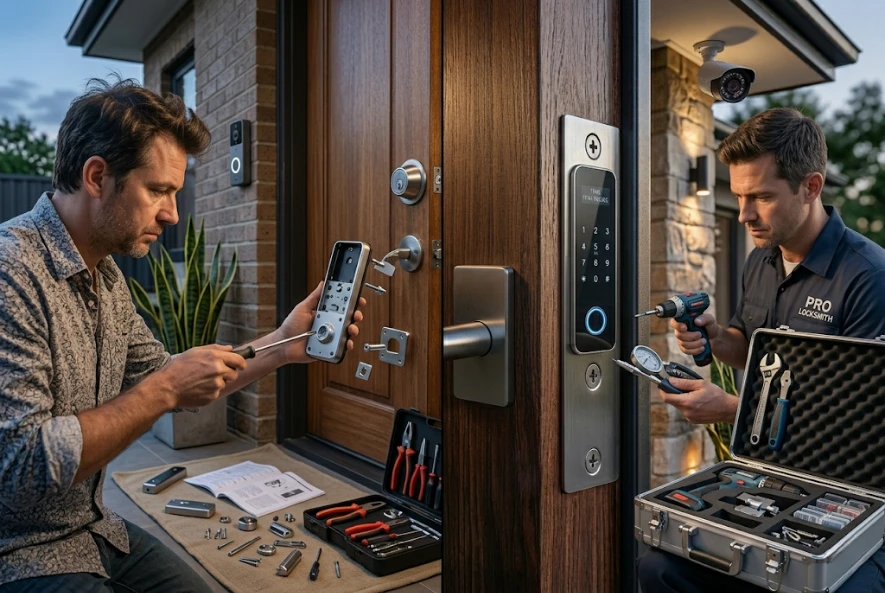
Many smart locks advertise easy installation, and some homeowners can install them with a screwdriver. A best smart lock easy DIY installation option may work for newer doors with standard measurements.
However, smart locks are less forgiving than traditional deadbolts. If the bolt is tight, the motor strains. If the strike plate is off, the lock may show false errors. If the door swells in humid weather, the lock may fail to close.
Professional lock installation is recommended when security matters, especially for front doors, rental properties, elderly family access, or smart home integration.
South Shore Locksmiths provides smart door lock installation service support for homeowners who want the lock installed, aligned, tested, and explained properly.
What If Your Smart Lock Fails or You Get Locked Out?
Smart locks can fail because of dead batteries, app issues, Wi-Fi problems, damaged keypads, jammed deadbolts, or forgotten access codes. Many models include a physical key backup or emergency power contact, but not all homeowners know how to use them.
If you are locked out, avoid forcing the lock or damaging the door. A locksmith can help with lockouts, smart lock troubleshooting, key override issues, rekeying, or replacement.
For urgent access problems, Emergency Locksmith support can help with lockouts, broken locks, and security concerns. If the issue happens late at night, 24/7 emergency locksmith services may be the safest option.
Conclusion:
Smart locks are worth it for many homeowners in 2026, especially when convenience, access control, and auto-locking matter. They can reduce lost-key problems, help manage temporary access, and connect with smart home integration systems.
But smart locks are not magic. They are only as secure as their hardware, installation, settings, and user habits. A strong ANSI/BHMA-rated smart deadbolt installed on a solid door can be an excellent home security upgrade. A cheap smart lock installed poorly on a weak door can create more problems than it solves.
If you are comparing smart locks, deadbolts, keypad locks, or electronic deadbolts, the best next step is to choose the right lock for your door and have it installed correctly. For help with selection, setup, repairs, or urgent access problems, contact the experienced locksmith team at South Shore Locksmiths.
FAQs About Smart Locks 2026
How do you turn off smart lock auto-lock?
Most smart locks allow you to turn off auto-lock inside the lock’s mobile app or programming menu. The exact steps depend on the brand, such as Schlage, Yale, Kwikset, Eufy, or SimpliSafe.
How to rekey a Kwikset smart lock?
Many Kwikset SmartKey locks can be rekeyed using the SmartKey tool and a working key. If the lock is jammed, damaged, or you do not have a working key, a locksmith can help rekey or replace it.
How to install a smart lock?
To install a smart lock, remove the old lock, check door alignment, install the new deadbolt and strike plate, attach the interior motor unit, add batteries, pair the app, test the lock, and set secure access codes. Professional installation is recommended if the door is misaligned or security is a priority.
Are Kwikset SmartKey locks safe?
Kwikset SmartKey locks are popular because they allow convenient rekeying without replacing the full lock. For best security, choose the right grade, install the lock correctly, and avoid relying on convenience alone as your only security feature.
Are smart deadbolt locks safe?
Yes, smart deadbolt locks are generally safe when they have strong physical hardware, proper alignment, and secure digital features. A smart deadbolt is usually a better front door choice than a simple latch-style smart lock.