
The 5 Best Smart Locks to Secure Your Home in 2026
Smart locks have moved far beyond simple keypad deadbolts. In 2026, the best smart locks can unlock with your phone, fingerprint, Apple Watch, access code, voice assistant, app, or even facial recognition. Some models connect to smart home systems, video doorbells, alarms, and arrival routines so your front door becomes part of your complete home security setup.
But the right smart lock is not the same for every door.
A homeowner may want the most secure smart door lock for a front entry. A renter may need a renter-friendly smart lock that does not permanently alter the door. A family may want fingerprint access for kids. A small business owner may need access logs and scheduled codes. Someone with a Ring camera may want a smart lock that works smoothly with their existing security system.
This guide compares the best smart locks 2026 buyers should consider, explains how smart locks work, covers safety concerns, and helps you decide when DIY installation is fine and when it is better to call local locksmith professionals.
What Is the Best Smart Lock in 2026?
The best smart lock for most homes in 2026 is a secure smart lock deadbolt with strong physical hardware, mobile app control, auto-lock, guest access codes, battery alerts, and smart home compatibility. For many homeowners, the Schlage Encode Plus is one of the strongest all-around choices because it combines trusted deadbolt security, built-in Wi-Fi, Apple Home Key support, access codes, and a built-in alarm.
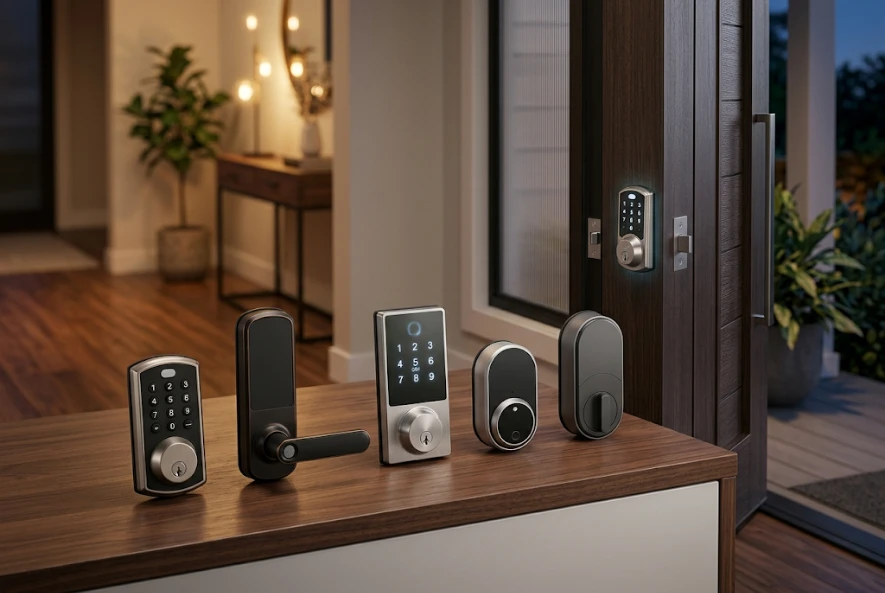
For Apple users, Yale Assure Lock 2 Plus and Lockly Visage are strong options. For Matter and Thread compatibility, Kwikset Halo Select and newer Aqara-style locks are worth considering. For a video smart lock, eufy FamiLock S3 Max is a standout because it combines a smart lock, camera, and video doorbell in one device.
Best Smart Locks 2026 Comparison Table
| Smart Lock | Best For | Unlock Methods | Smart Home Compatibility | Key Advantage |
| Schlage Encode Plus Smart WiFi Deadbolt | Best overall front door smart lock | Keypad, app, physical key, Apple Home Key | Apple Home, Alexa, Google Assistant, Ring integration on select setups | Strong security, built-in Wi-Fi, built-in alarm |
| Yale Assure Lock 2 Touch / Plus | Best for Apple users and fingerprint access | Fingerprint, keypad, app, Apple Home Key on Plus models | Apple Home, Alexa, Google, SmartThings, Yale Access | Clean design, fingerprint option, flexible models |
| Kwikset Halo Select | Best Matter-ready smart lock | Touchscreen, app, physical key | Matter, Wi-Fi, Alexa, Google, Apple Home, SmartThings | Future-friendly Matter support |
| Lockly Visage Zeno Series | Best biometric smart lock | Facial recognition, fingerprint, keypad, app, Apple Home Key | Apple Home, Alexa, Google | Hands-free biometric access |
| eufy FamiLock S3 Max | Best video smart lock | Palm vein, keypad, app, key, video doorbell features | eufy ecosystem, Matter support for lock functions | Built-in camera, doorbell, and lock |
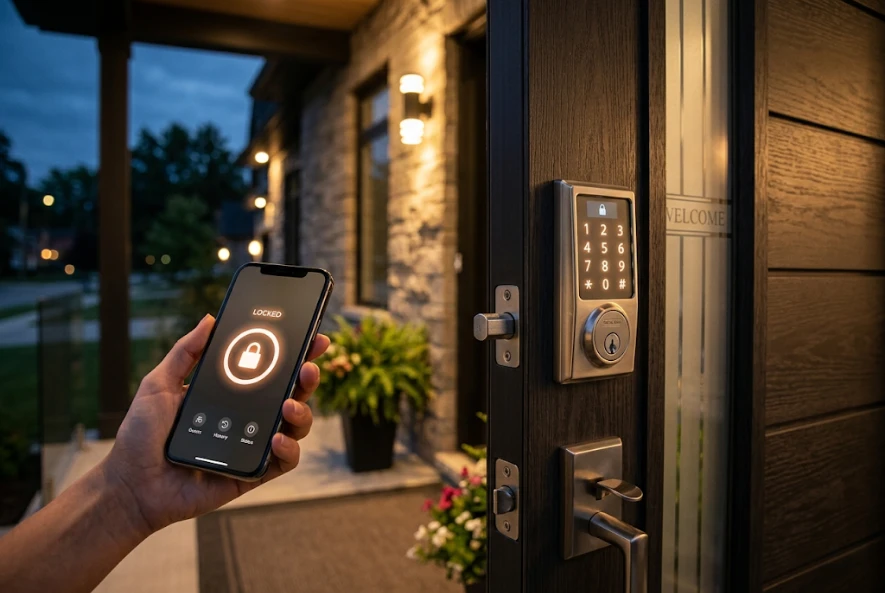
1. Schlage Encode Plus Smart WiFi Deadbolt: Best Overall Smart Lock for Front Doors
The Schlage Encode Plus is one of the best smart locks for homeowners who want a strong balance of security, convenience, and smart home control. It is a smart lock deadbolt designed for front doors, side doors, and other main entry points where physical strength matters.
This Schlage smart lock supports built-in Wi-Fi, which means you do not need a separate bridge for remote access. You can lock or unlock the door from the app, create access codes for family or guests, check lock history, receive notifications, and use Apple Home Key with compatible iPhones and Apple Watches.
For homeowners who want smart home security locks without making the setup complicated, this is a strong choice.
Pros
| Pros | Why It Matters |
| Built-in Wi-Fi | Remote access without a separate hub |
| Apple Home Key support | Tap iPhone or Apple Watch to unlock |
| Built-in alarm | Helps detect forced-entry attempts |
| Access code management | Useful for family, cleaners, guests, and rentals |
| Trusted lock brand | Strong reputation in residential door hardware |
Cons
| Cons | What to Know |
| Higher price | Costs more than basic keypad locks |
| Battery maintenance required | Wi-Fi locks can use batteries faster than Bluetooth locks |
| Full replacement | Replaces the existing deadbolt hardware |
Best for: Homeowners who want one of the most secure smart locks 2026 buyers can use on a standard front door.
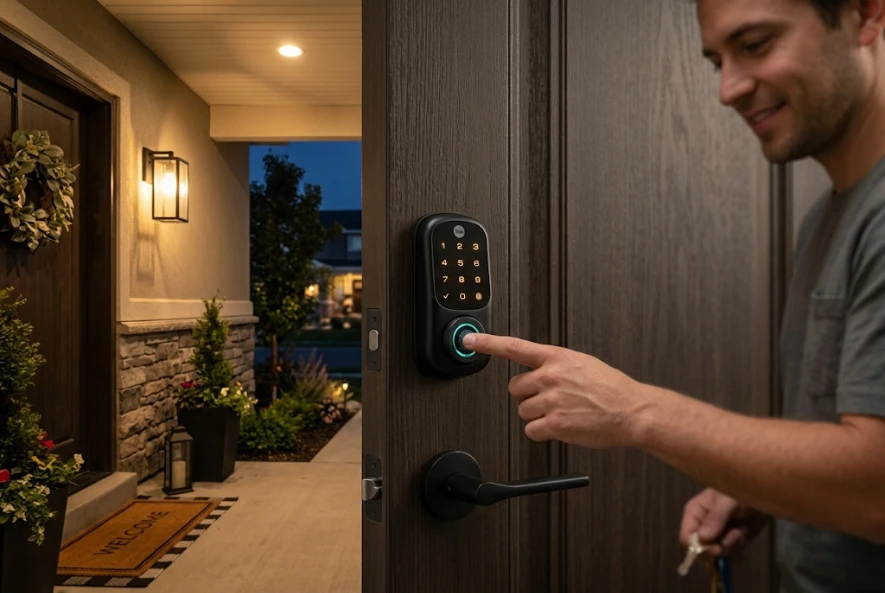
2. Yale Assure Lock 2 Touch / Plus: Best Smart Lock for Fingerprint and Apple Home Users
The Yale smart lock lineup is popular because it gives homeowners several options. You can choose keypad, touchscreen, keyed, key-free, fingerprint, Wi-Fi, Bluetooth, and Apple Home Key versions depending on the model.
The Yale Assure Lock 2 Touch is a great option if you want a smart lock with fingerprint reader access. Fingerprint unlocking is helpful when your hands are full, when kids forget codes, or when you do not want to pull out your phone at the door.
The Yale Assure Lock 2 Plus is a better fit if Apple Home Key is your priority. With compatible Apple devices, you can tap your iPhone or Apple Watch to unlock the door.
Pros
| Pros | Why It Matters |
| Fingerprint reader available | Fast keyless entry for daily use |
| Apple Home Key available on Plus models | Great for Apple households |
| Auto-lock feature | Helps prevent accidentally leaving the door unlocked |
| DoorSense on supported models | Helps detect whether the door is open or closed |
| Flexible configurations | Good for different door styles and preferences |
Cons
| Cons | What to Know |
| Model names can be confusing | Make sure you buy the correct version |
| Some features require Wi-Fi or module support | Check the exact package before buying |
| Not always the strongest commercial option | Better for residential front doors and apartments |
Best for: Apple users, families, and homeowners who want fingerprint access with a clean smart door lock design.
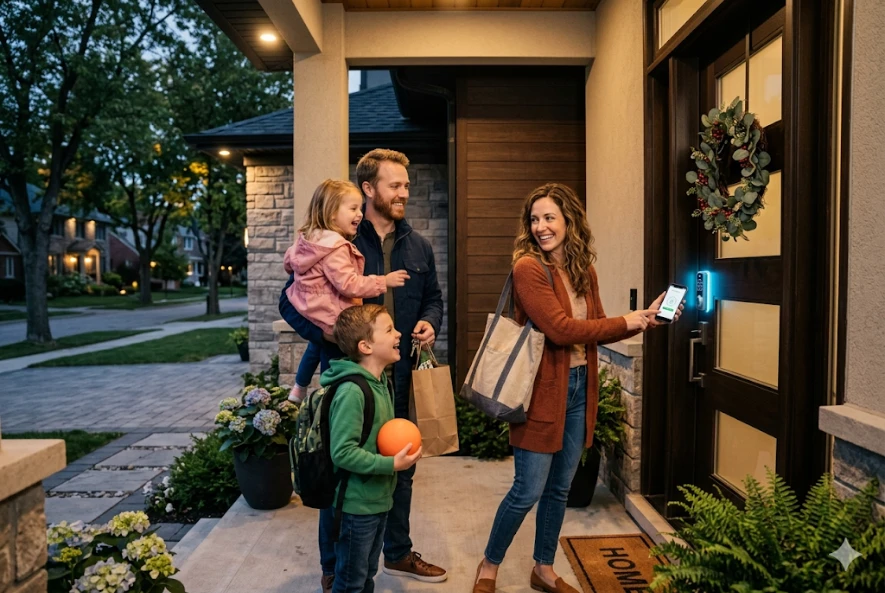
3. Kwikset Halo Select: Best Matter-Ready Smart Lock for Smart Homes
The Kwikset Halo Select is a strong choice for homeowners who want a modern smart home lock that supports both Wi-Fi and Matter. Matter matters in 2026 because smart home buyers are tired of wondering whether a lock works with Apple Home, Google Home, Alexa, or Samsung SmartThings.
A Matter-compatible smart lock can be easier to integrate across different ecosystems, depending on your hub and setup. That makes the Kwikset Halo Select a good option for homeowners who want a more future-ready smart lock.
This Kwikset smart lock also works well for people searching for a keyless entry smart lock with mobile app control, access codes, auto-lock settings, and a modern touchscreen design.
Pros
| Pros | Why It Matters |
| Matter support | Better smart home compatibility |
| Wi-Fi option | Remote access and app control |
| Re-keyable design on many Kwikset models | Helpful if you want one key for multiple locks |
| Modern touchscreen | Clean look for front doors |
| Good smart home flexibility | Useful for mixed-device homes |
Cons
| Cons | What to Know |
| Matter setup can be confusing | You may need a compatible controller |
| Battery life depends on connection type | Wi-Fi may drain faster than Thread |
| Not ideal for every old door | Door alignment must be correct |
Best for: Homeowners who want a Kwikset smart lock with Wi-Fi, Matter support, and long-term smart home compatibility.
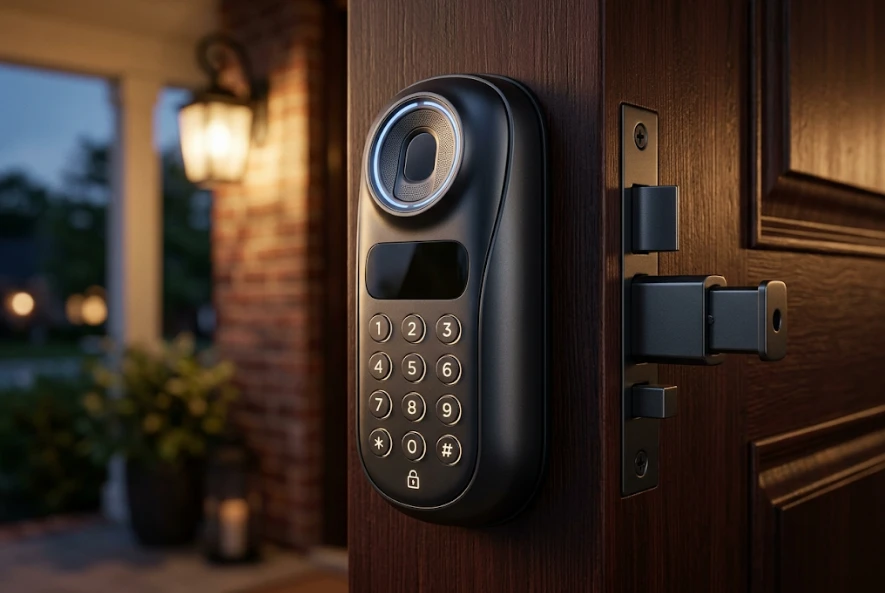
4. Lockly Visage Zeno Series: Best Biometric Smart Lock
The Lockly Visage Zeno Series is one of the most advanced biometric smart locks available. It is designed for homeowners who want hands-free entry and multiple unlocking options.
This lock supports facial recognition, radar unlocking, fingerprint access, keypad codes, app control, Apple Home Key, and voice assistant control. That makes it one of the top rated smart locks for people who want more than a basic keypad deadbolt.
A biometric fingerprint scanner or facial recognition system can make daily entry faster, but it also makes proper setup important. You should only buy a biometric smart lock if you are comfortable managing user profiles, app permissions, backup access methods, and battery maintenance.
Pros
| Pros | Why It Matters |
| Facial recognition | Hands-free entry when approaching the door |
| Fingerprint access | Fast backup biometric entry |
| Apple Home Key | Convenient for Apple users |
| Built-in Wi-Fi | Remote lock control |
| Multiple backup methods | Reduces lockout risk |
Cons
| Cons | What to Know |
| More expensive | Premium features cost more |
| Setup may take longer | Biometrics require careful configuration |
| Not necessary for every home | May be too advanced for basic needs |
Best for: Tech-forward homeowners who want one of the most advanced smart home security door lock options.
5. eufy FamiLock S3 Max: Best Video Smart Lock
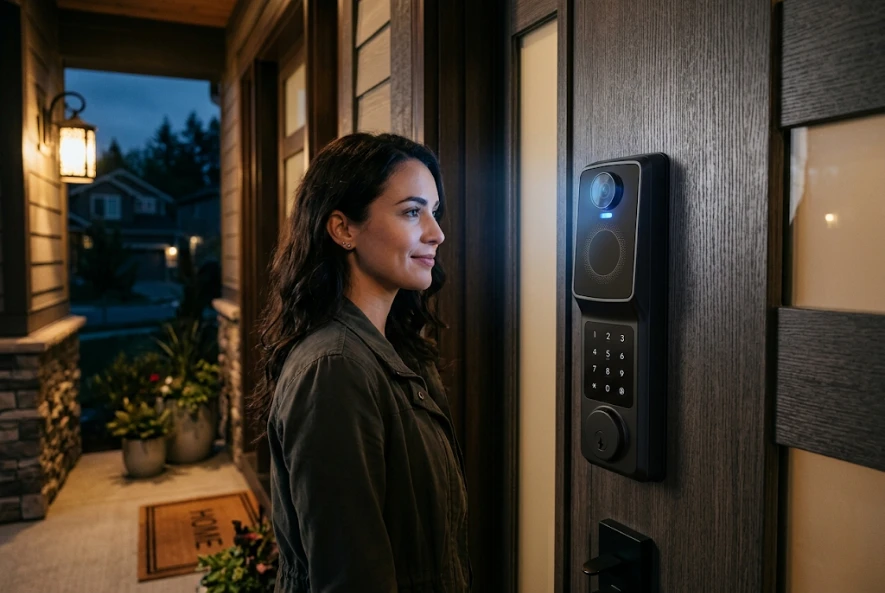
The eufy FamiLock S3 Max is a good choice if you want a smart lock and video doorbell in one device. It includes a smart lock, 2K camera, video doorbell, real-time alerts, and a rear screen so people inside the home can see who is at the door without opening an app.
This is useful for families, seniors, caregivers, and homeowners who want one device instead of separate doorbell and lock systems.
It is also a good option for people searching for the best video smart lock or the best video doorbell and smart lock combination. However, if you already have a high-quality Ring doorbell, Nest doorbell, or separate security camera system, you may not need a video smart lock.
Pros
| Pros | Why It Matters |
| Built-in camera | See visitors at the door |
| Video doorbell function | Combines two devices |
| Rear screen | Helpful for kids, seniors, and family members |
| Biometric access | Palm vein unlocking on supported models |
| Local storage options | Can reduce subscription dependence |
Cons
| Cons | What to Know |
| Larger exterior design | More visible than a standard deadbolt |
| More features to manage | Camera, battery, app, and lock settings |
| May duplicate existing doorbell | Not needed if your current camera setup is strong |
Best for: Homeowners who want a video smart lock with built-in visitor monitoring.
What Is a Smart Lock?
A smart lock is an electronic door lock that lets you lock and unlock a door without relying only on a traditional key. Most smart locks use one or more access methods, such as a keypad, mobile app, fingerprint reader, fob, voice assistant, Bluetooth, Wi-Fi, NFC, Apple Home Key, or Matter-compatible smart home system.
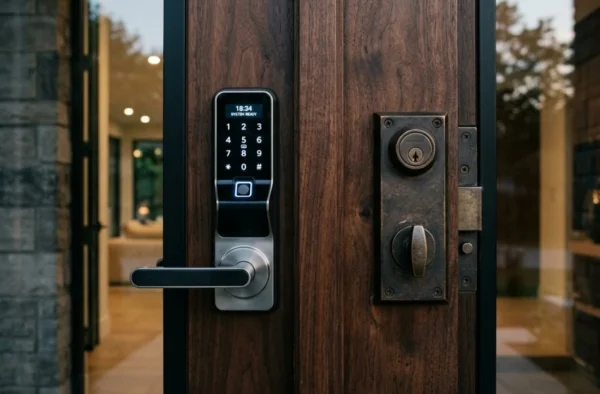
A smart lock can replace your existing deadbolt, fit over part of your current lock, or be installed as a smart lever depending on the product.
How Do Smart Locks Work?
Smart locks use a motorized locking mechanism controlled by an app, keypad, biometric scanner, wireless signal, or smart home automation. When the correct code, fingerprint, phone credential, or app command is accepted, the lock moves the deadbolt or latch.
Most smart locks include:
- A motorized deadbolt or latch
- Battery power
- Keypad, fingerprint reader, app, or other access method
- Wireless connection such as Bluetooth, Wi-Fi, Z-Wave, Zigbee, Thread, or Matter
- Backup entry method, such as a physical key or emergency power port
- Auto-lock and activity log features on many models
Are Smart Locks Safe for Front Doors in 2026?
Yes, smart locks can be safe for front doors when you choose a quality model, install it correctly, use strong app security, and keep the door hardware properly aligned.
A smart lock is not automatically safer just because it is electronic. The most secure home smart lock should still have strong physical hardware, a properly fitted deadbolt, secure screws, a reinforced strike plate, reliable batteries, and protected account settings.
Avoid cheap no-name smart locks with unclear security ratings, weak apps, poor battery warnings, or no backup access method.
For extra peace of mind, ask residential lock repair specialists to check the door frame, strike plate, deadbolt throw, and lock alignment before or after installation.
Matter and Thread: Why They Matter for Your Home
Matter is a smart home standard designed to make devices work more easily across different ecosystems. Thread is a low-power wireless networking technology often used with Matter devices.
For smart locks, Matter and Thread can help with:
- Better smart home compatibility
- Lower battery use than always-on Wi-Fi in many cases
- Faster local response
- More flexible automations
- Easier integration with Apple Home, Google Home, Alexa, and SmartThings
However, Matter does not mean every feature will work in every app. Some platforms may support basic lock and unlock functions but not advanced features like fingerprint setup, access code management, door sensing, or full activity history.
Bluetooth vs Wi-Fi Smart Lock: Which Is Better?
| Feature | Bluetooth Smart Lock | Wi-Fi Smart Lock |
| Remote access | Usually limited unless paired with a bridge | Usually built in |
| Battery life | Often better | Often shorter |
| Setup | Usually simpler | Requires Wi-Fi connection |
| Best for | Apartments, renters, simple access | Homeowners who want remote control |
| Smart home use | Good nearby control | Better for notifications and remote management |
Choose Bluetooth if you mainly need local keyless entry. Choose Wi-Fi if you want to unlock the door remotely, check the lock while away, create guest codes from anywhere, or connect the lock to a broader home security system.
Smart Locks vs. Deadbolts for Home Security
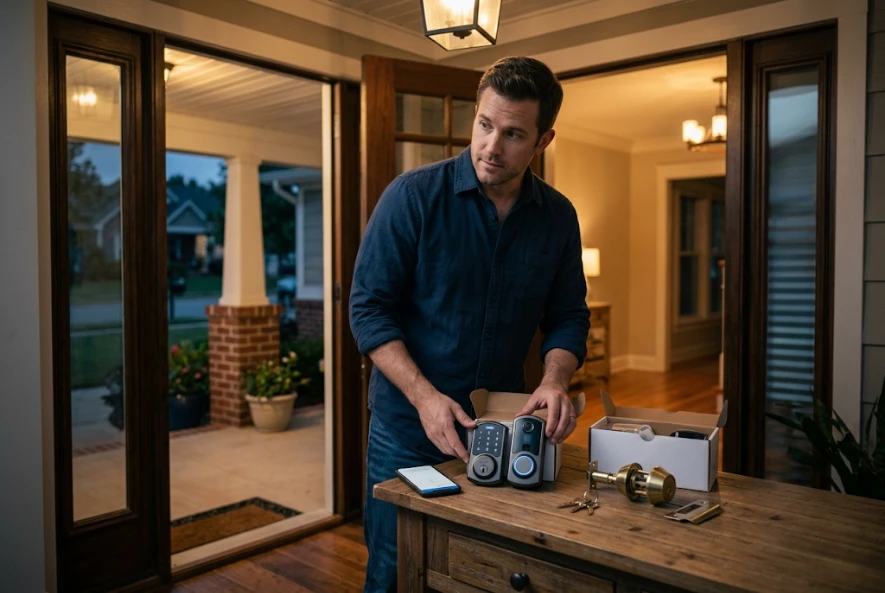
A smart lock does not replace the need for a strong deadbolt. In most homes, the best setup is a smart deadbolt lock that combines electronic convenience with solid physical protection.
| Option | Best For | Security Notes |
| Traditional deadbolt | Simple physical security | No app, no access logs, no remote control |
| Keypad deadbolt | Keyless entry without app dependence | Good for basic access codes |
| Smart deadbolt lock | Convenience plus app control | Best when installed correctly |
| Video smart lock | Entry control plus visitor monitoring | Useful but more complex |
| Sliding door smart lock | Patio and sliding glass doors | Often needs specialized hardware |
For most front doors, choose a smart lock deadbolt. For sliding doors or sliding glass doors, do not force a standard deadbolt product onto the door. A sliding door smart lock or sliding glass door smart lock must match the door’s track, latch, frame, and security needs. This is a good time to call professional locksmith services.
What Happens If the Battery Dies?
Most smart locks give low-battery warnings before the lock stops working. Many models also include a backup key, emergency power contact, USB-C backup port, or external battery jump option.
If the battery dies, you may be able to:
- Use the physical key
- Use a 9V battery or USB-C emergency power port, depending on the model
- Replace the AA or rechargeable battery pack from inside
- Enter through another door
- Call a locksmith if you are locked out
For emergency lockouts, use emergency locksmith assistance instead of forcing the door or damaging the lock.
Can a Smart Lock Be Hacked?
A smart lock can be vulnerable if the app account, Wi-Fi network, phone, or password is poorly secured. The biggest risks are usually weak passwords, reused passwords, outdated firmware, unsecured phones, poor Wi-Fi security, and excessive account sharing.
To reduce risk:
- Use a strong, unique password
- Turn on two-factor authentication when available
- Keep the app and firmware updated
- Remove old guest codes
- Avoid sharing admin access
- Use secure Wi-Fi
- Disable features you do not need
- Buy from trusted manufacturers
A well-installed smart lock from a reputable brand is usually safer than hiding a spare key under a mat or giving out permanent keys to too many people.
Can I Install a Smart Lock Myself?
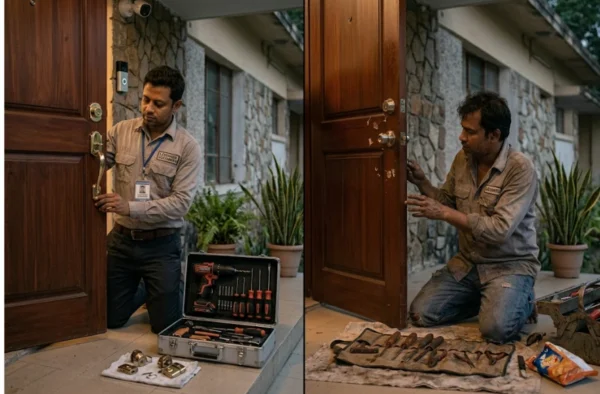
Yes, many smart locks are designed for DIY smart lock installation on standard front doors. If your current deadbolt works smoothly, your door is properly aligned, and you are comfortable using a screwdriver, installation may take 20 to 60 minutes.
You should call a professional if:
- The deadbolt sticks or rubs
- The door is misaligned
- The strike plate does not line up
- The door is metal, older, custom, or commercial-grade
- You need a new hole drilled
- You are installing multiple locks
- You manage a rental or business
- You need a sliding door smart lock
- You are replacing a damaged lock after a break-in
A smart lock motor has to move the bolt smoothly. If the door is poorly aligned, the motor may strain, batteries may drain quickly, and the lock may fail.
Smart Lock Installation Cost in 2026
Smart lock costs vary based on the product, door condition, and whether you install it yourself or hire a locksmith.
| Item | Typical Cost Range |
| Basic keypad lock | $60–$150 |
| Mid-range smart lock | $150–$280 |
| Premium smart lock | $280–$450+ |
| Video smart lock | $300–$500+ |
| Professional installation | Varies by door, hardware, and service area |
| Door alignment or strike plate adjustment | May add labor cost |
| Emergency lockout service | Usually higher than scheduled service |
For accurate local rates, check locksmith pricing information or ask for a quote before scheduling installation.
How to Choose the Best Smart Lock for Your Door
Before buying, answer these questions:
- Is your door a standard front door, apartment door, sliding door, or commercial door?
- Do you want Wi-Fi, Bluetooth, Matter, Thread, Z-Wave, or Apple Home Key?
- Do you need a physical key backup?
- Do you want a fingerprint reader or keypad only?
- Do you use Ring, Apple Home, Alexa, Google Home, or SmartThings?
- Do you need access codes for guests, cleaners, tenants, or employees?
- Is your current deadbolt smooth and properly aligned?
- Do you want a built-in camera or separate video doorbell?
- Are you comfortable installing it yourself?
- Do you need a locksmith to inspect the door first?
If you are unsure, ask South Shore Locksmiths to confirm which smart lock will work best with your door and security goals.
How to Integrate Smart Locks With a Home Security System
Smart locks can work with home security systems by connecting through Wi-Fi, Matter, Thread, Z-Wave, Zigbee, Bluetooth, Apple Home, Alexa, Google Home, SmartThings, or a brand-specific app.
Common automations include:
- Lock the door when the alarm is armed
- Turn on entry lights when the door unlocks
- Send alerts when a code is used
- Create temporary codes for guests
- Trigger a camera recording when the door unlocks
- Auto-lock after a set time
- Start an arrival routine when a trusted user unlocks the door
For commercial spaces, offices, and multi-user access control, consider commercial locksmith services before installing consumer-grade smart locks.
How to Turn Off Smart Lock Features
People often search “how to turn off smart lock” or “how do I disable smart lock” because they want to disable auto-unlock, app access, guest codes, voice unlocking, or a phone-based Smart Lock feature.
In most cases, you can disable smart lock features by opening the lock’s app, going to settings, and turning off features such as auto-unlock, voice unlock, geofencing, guest access, or temporary codes. You can also remove the lock from a smart home platform if you no longer want it connected.
If you are moving, selling a house, changing tenants, or ending an employee’s access, reset the lock, remove all old codes, and reconfigure admin access.
How to Open, Set Up, or Install a Kwikset Smart Lock
Kwikset smart lock setup depends on the exact model. In general, you will install the exterior keypad, interior mounting plate, battery pack, and deadbolt mechanism, then pair the lock with the Kwikset app or smart home platform.
For questions like “how to open Kwikset smart lock,” “how to set up Kwikset smart lock,” or “how to install Kwikset smart lock,” always follow the official model manual. Do not force the thumb turn or keypad if the bolt is binding. If the lock does not calibrate correctly, the door may need alignment or strike plate adjustment.
Best Smart Lock by Use Case
| Use Case | Best Choice |
| Best overall front door smart lock | Schlage Encode Plus |
| Best fingerprint smart lock | Yale Assure Lock 2 Touch |
| Best Matter-ready lock | Kwikset Halo Select |
| Best biometric smart lock | Lockly Visage |
| Best video smart lock | eufy FamiLock S3 Max |
| Best for Apple Home Key | Schlage Encode Plus or Yale Assure Lock 2 Plus |
| Best for advanced smart homes | Kwikset Halo Select or Matter-compatible models |
| Best for families | Yale, Schlage, or eufy depending on features |
| Best for apartments | Retrofit or renter-friendly smart locks where allowed |
| Best for sliding glass doors | Specialized sliding door smart lock installed by a professional |
When Should You Call a Professional Locksmith?
Call a professional locksmith when the lock installation affects your home’s safety, warranty, door alignment, or emergency access.
You should especially call a locksmith if the door does not close smoothly, the deadbolt sticks, you are upgrading multiple locks, you need commercial access control, you have a sliding glass door, you are locked out, or you are replacing locks after a move, tenant change, break-in, divorce, or lost keys.
An experienced locksmith team can also help compare smart locks, rekey existing locks, repair door hardware, install reinforced strike plates, and make sure your smart lock does not weaken your door security.
Which Smart Lock Should You Choose in 2026?
The best smart locks 2026 buyers should consider are not just the locks with the most features. The right choice depends on your door, smart home system, budget, security needs, and comfort with app-based access.
Choose Schlage Encode Plus if you want the best overall smart lock for a front door. Choose Yale Assure Lock 2 Touch or Plus if you want fingerprint access or Apple Home Key. Choose Kwikset Halo Select if Matter compatibility matters most. Choose Lockly Visage if you want advanced biometric entry. Choose eufy FamiLock S3 Max if you want a smart lock and video doorbell in one device.
If your door does not close smoothly, your deadbolt sticks, you need a sliding door smart lock, or you want professional guidance before buying, contact South Shore Locksmiths for smart lock installation and home security advice.
Conclusion
Investing in a smart lock is about more than just convenience it is about enhancing your home’s security, streamlining your daily routine, and gaining better control over who enters your space. Whether you are prioritizing the robust reliability of the Schlage Encode Plus, the seamless biometric integration of the Lockly Visage, or the future-proof compatibility of a Matter-ready Kwikset, there is a solution tailored to your specific lifestyle.
Remember, the “best” smart lock is one that fits your door perfectly and aligns with your existing smart home ecosystem. Before you make your final selection, take a moment to ensure your door is properly aligned and your strike plate is secure; a smart lock’s motor is only as effective as the door hardware it operates. If you find your current door is sticking, you have a non-standard entry like a sliding glass door, or you simply want the peace of mind that comes with a professional installation, don’t hesitate to reach out to local experts like South Shore Locksmiths. By combining the right technology with professional care, you can ensure your home remains safe, secure, and effortlessly accessible for years to come.
FAQs About the Best Smart Locks 2026
Do smart locks work without Wi-Fi?
Yes, many smart locks work without Wi-Fi for local access using a keypad, fingerprint reader, Bluetooth, NFC, Apple Home Key, or physical key. However, remote access, notifications, and some smart home automations usually require Wi-Fi, a bridge, or a compatible hub.
What is the best smart lock for an apartment?
The best smart lock for an apartment is usually a renter-friendly smart lock that does not permanently damage the door and can be removed when you move. Always check your lease, landlord rules, HOA rules, and local building requirements before installing one.
Can I automate arrival routines using a smart lock?
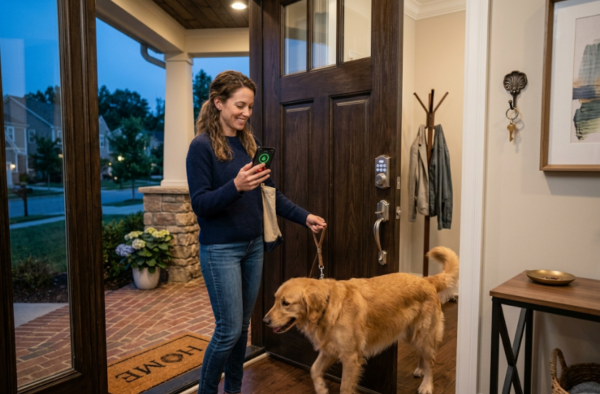
Yes, many smart locks can trigger arrival routines. For example, unlocking the door can turn on lights, adjust the thermostat, disarm an alarm, or start a scene in Apple Home, Alexa, Google Home, or SmartThings.
Are smart locks better than traditional deadbolts?
Smart locks are better for convenience, access control, guest codes, and remote monitoring. Traditional deadbolts are simple and reliable. For most homes, the best option is a high-quality smart deadbolt that combines physical security with keyless entry.
Do I need a locksmith to install a smart lock?
You may not need a locksmith if your door is standard and the current deadbolt works smoothly. You should hire a locksmith if the door is misaligned, old, damaged, commercial-grade, or if you want the lock professionally fitted for long-term reliability.